
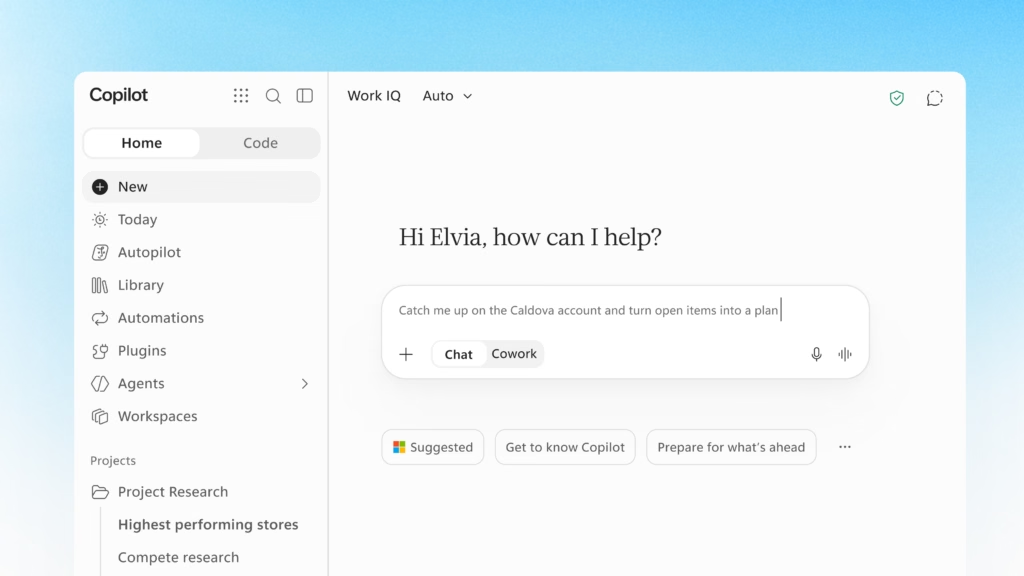
Editing inside Copilot is out. Teams Autopilot and shared project spaces still have limited access.
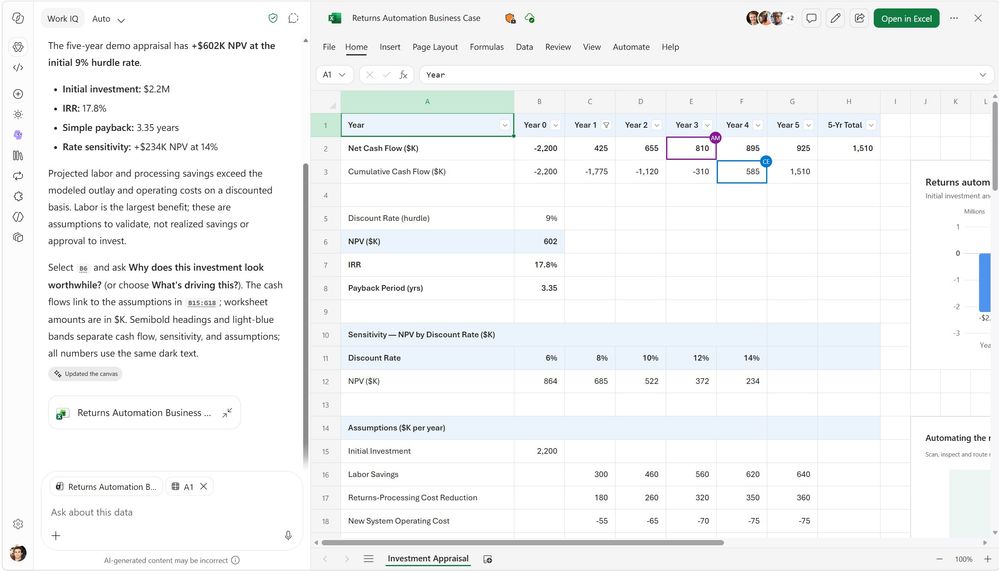
Ask for a draft in chat, and Copilot can open an actual file beside the conversation. Instead of copying it into Word, you can edit the document and invite a colleague to work on it with you. Microsoft announced the change at Ignite on November 17.
What’s available now
Office in Copilot is generally available. You can create, edit, comment on and coauthor Word, Excel and PowerPoint files saved to OneDrive with company permissions. Copilot Home is rolling out globally and brings Chat and Cowork together, but check your organization’s license and settings.
What’s still in testing
Workspaces brings files, people and Copilot together through Frontier. Autopilot is also rolling out through Frontier for follow-ups and Teams mentions; support in Workspaces is for later. Today is in private preview in Copilot and Outlook. To try what shipped, start with a spreadsheet you understand and check its formulas and sources before sharing.
A faster draft only saves work if you can trust the file.
Official Copilot Workspaces demo
Official Book of News · Office in Copilot · Microsoft 365 Copilot



1 comment