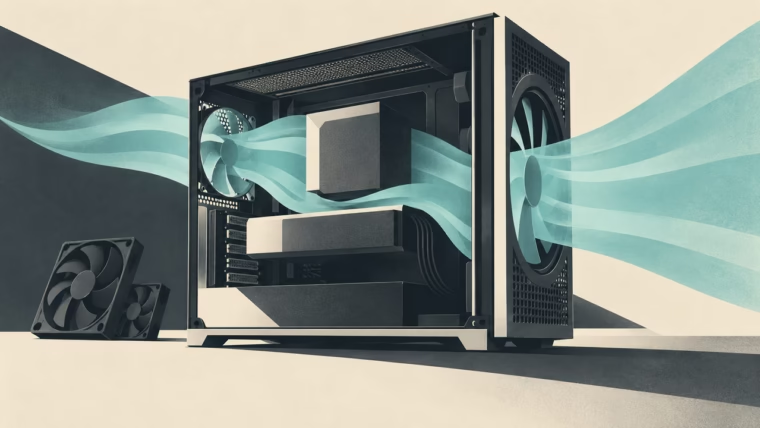
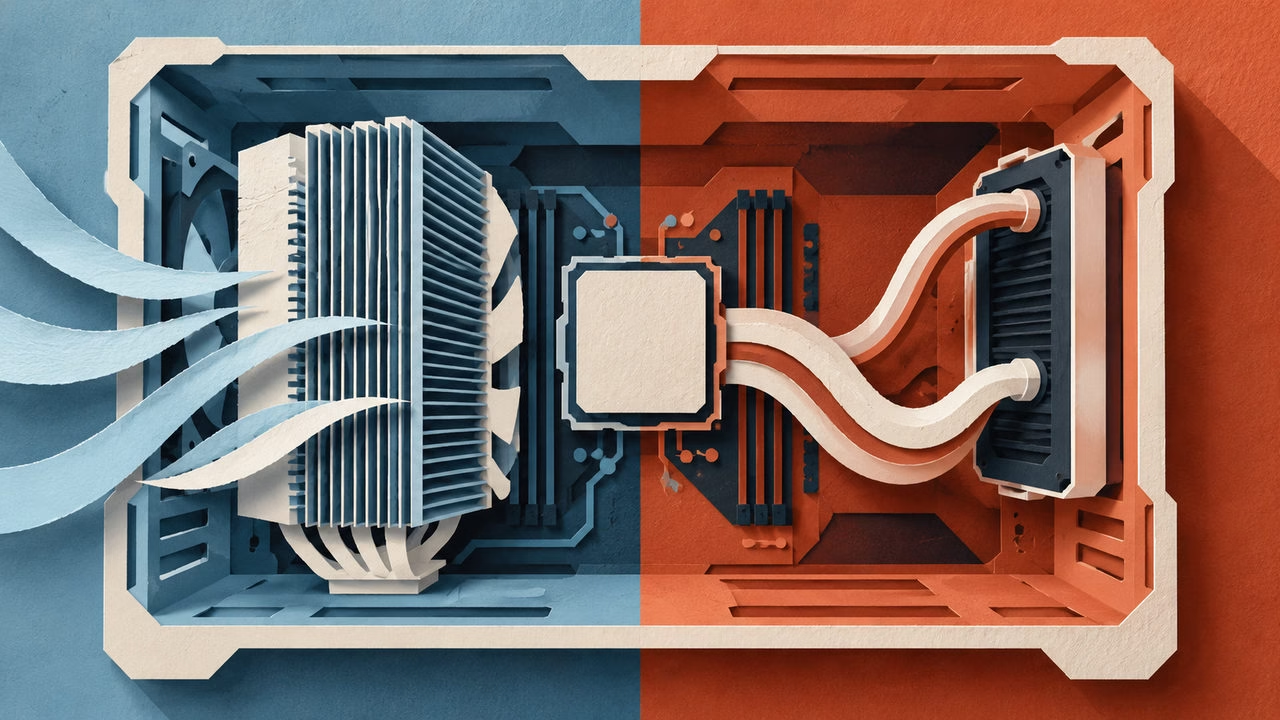
Conceptual illustration: Mais FPS, created with AI.
A glass-sided PC makes liquid cooling look almost inevitable. A tidy block, two tubes and a row of fans certainly photograph well. A good air tower has a less glamorous sales pitch: bolt it down, connect the fan and get on with your games. Both approaches deserve better than being chosen by a build photo.
For a gaming machine, start with a cooler that fits properly and handles your actual workload at a sound level you enjoy. A larger cooling system becomes worth paying for when it solves a problem you can identify. Looking fantastic is a valid reason, too. Just keep that separate from a promise of extra performance.
Measure the awkward bits first
Case specifications are an excellent place to begin and a terrible place to stop reading. The advertised CPU-cooler height does not account for every combination of tall memory, fan position and side-panel clearance.
Take the premium-priced Noctua NH-D15 G2 as a clearance example, with Thermalright’s Peerless Assassin 120 and ID-Cooling’s FROZN A720 among the value alternatives to investigate below. The G2’s standard RAM clearance with both fans is 32 mm; raising its front fan requires more case height. Check the actual combination in the manufacturer’s RAM guidance.
AIO measurements deserve the same care. ARCTIC lists the Liquid Freezer III 360 radiator at 398 × 120 × 38 mm, before allowing for its fans. The “360” label describes a radiator class, not its full external length. A case supporting that class can still have conflicts with motherboard heatsinks, memory, cables or a long graphics card. The manufacturer’s dimensions and compatibility information are more useful here than a product photo.
Sketch the installed arrangement. Where will the radiator sit? Can the tubes reach without being strained? Can you still remove the RAM? Answering those questions before ordering is an extremely unexciting way to have a much better Saturday.
Compare coolers at a noise level you would actually use
Maximum-speed charts tell you what a cooler can do when comfort takes a back seat. Noise-normalized testing turns the question around: how much cooling can it deliver under the same sound limit?
In GN’s 2024 comparison, at 250 W on Intel and matched noise, the G2 HBC beat the A720 by 2.9°C and Peerless Assassin by 4.4°C; the Liquid Freezer III 360 led all three. Both alternative towers cost substantially less in that review. Those are specific test results, not a promise for your game.
That makes the Peerless Assassin 120 and FROZN A720 BLACK useful models to price-check before paying the Noctua premium. Both remain listed by their manufacturers. Compare the exact version and local delivered price: SE, Mini and later revisions are not automatically the cooler in an older chart. A modest performance gap can be a sensible saving when your CPU still has ample headroom.
There are limits to that bargain. In GN’s newer AM5 suite, the G2 was the only tested air cooler to finish the 9950X3D test at 276 W and 25 dBA without throttling or a thermal trip. Lower-cost does not mean interchangeable at every load.
Doda has owned a Liquid Freezer III and describes his experience as great. That is a useful owner’s endorsement; the controlled comparisons above provide the measured evidence.
An AIO also adds a pump to the acoustic picture. You may prefer a gentle fan whoosh to a quieter but more noticeable tone, especially with the PC on your desk. Listen to recordings cautiously: microphone placement and playback equipment change what you hear. Reviews that describe the sound as well as measuring it are particularly useful.
Think about the next few years
An air cooler has a straightforward service story. If its replaceable fan wears out, there may be no reason to replace the heatsink. Future socket support still depends on the manufacturer providing a suitable mounting kit.
An AIO brings a pump, tubing and a sealed liquid circuit into the equation. Many are intended to remain sealed, so “maintenance” usually means cleaning the radiator and fans, inspecting the unit and following the maker’s service guidance. It does not mean opening the loop and improvising a refill.
Warranty length deserves a look without becoming a life-expectancy prediction. The NH-D15 G2 carries six years, and ARCTIC also specifies six years for the Liquid Freezer III 360. Read the applicable warranty terms, including eligibility and claims procedures. Six years on a box cannot tell you the exact day any cooler will fail.
Mounting orientation also matters. For its listed iCUE LINK AIO models, Corsair says the radiator’s highest point should sit above the CPU pump. Follow your own model’s instructions: pump location and permitted layouts can differ.
Buy the solution your build needs
Choose air when a suitable tower fits, independent testing supports your workload, and simplicity appeals to you. Choose an AIO when its radiator fits comfortably and the cooling capacity, layout or appearance earns its place in the budget.
If your current cooler keeps the system stable without intrusive noise, you already have a useful baseline. Record temperatures, fan speeds and the workload before replacing it. Otherwise, an expensive upgrade can leave you with a prettier PC and no clear answer about what improved. The best cooling purchase is one you can explain after the side panel goes back on.