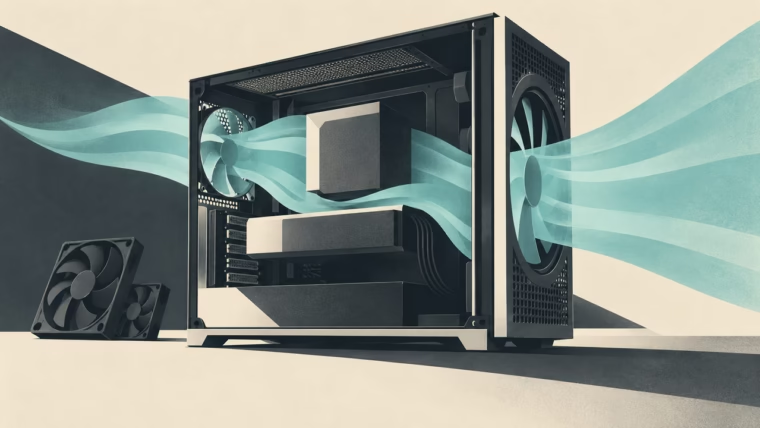
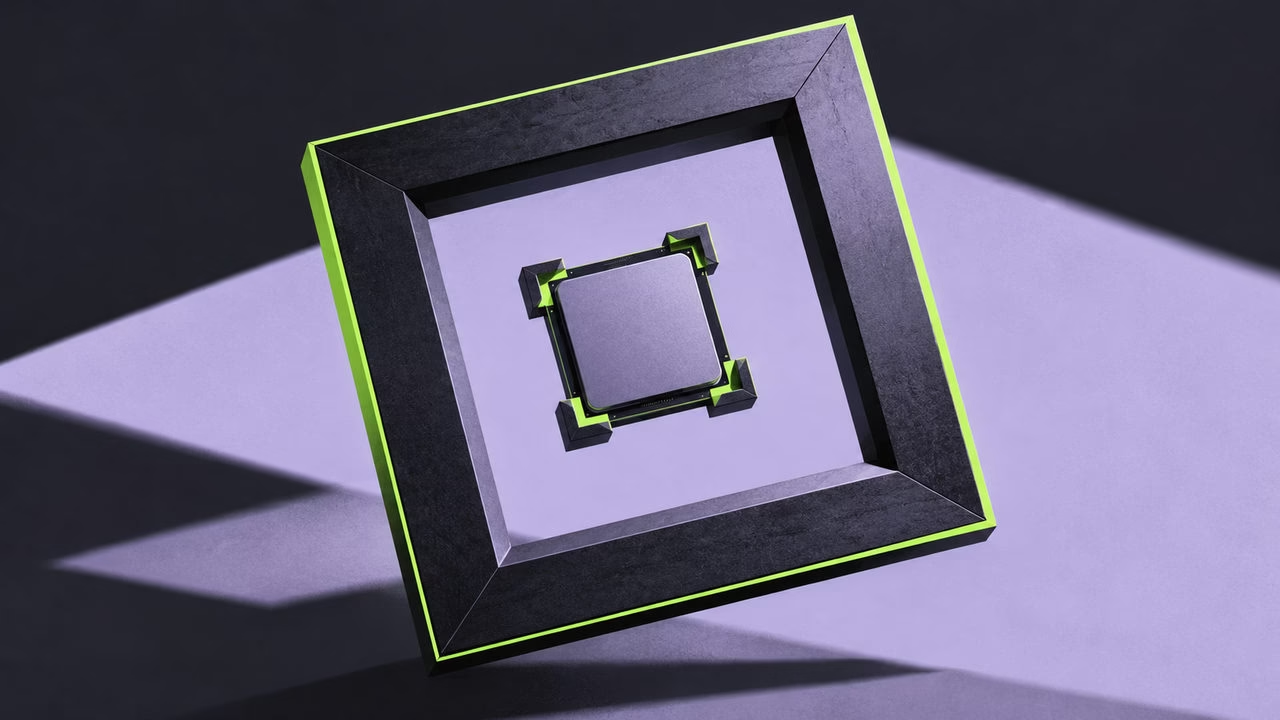
Conceptual illustration: Mais FPS, created with AI.
A contact frame is one of those tiny PC parts that can start a surprisingly large argument. Some builders expect cooler temperatures. Others just like the clean metal outline around the CPU, or want thermal paste to stop disappearing into AM5’s awkward cut-outs. Those are different goals, and the same accessory does not automatically deliver all three.
Here is the useful buying rule: on Intel, investigate the socket and contact problem; on AM5, identify what the particular product actually does. Appearance is a perfectly legitimate extra. You do not need to invent a performance gain to enjoy a neatly finished build.
The CPU clamp and cooler mount have different jobs
The socket’s retention mechanism holds the processor in place. The cooler’s mounting system presses its base against the CPU’s metal lid, called the heat spreader or IHS. A contact frame usually replaces the first mechanism and changes how its load is distributed. That can affect contact with the cooler, but it does not automatically make the cooler easier to align.
If a product also forms part of the cooler mount, its instructions will say so. ARCTIC’s Liquid Freezer III Intel arrangement is a useful example of an integrated approach. Do not stack another accessory into that arrangement simply because both boxes mention the same socket.
A paste guard is a third thing: a barrier around the heat spreader’s edges. Keeping paste tidy is useful, but it is not evidence of lower temperatures.
Intel: there is real evidence, with real limits
Tom’s Hardware’s original LGA1700 test found temperature improvements with a Thermalright frame on its i5-13600K/MSI/Liquid Freezer II configuration, but no meaningful improvement on its i9-13900K/ASUS/AG620 setup. The same review, published in 2022, demonstrates why neither “always helps” nor “does nothing” is a sound rule.
More recently, GN’s Liquid Freezer III investigation used pressure scans to show different contact patterns with LGA1700 frames. Remounting changed one result, and a cooler change limited part of the comparison. Installation and cold-plate shape belong in the explanation, not in a footnote after a guaranteed temperature claim.
LGA1851 needs separate evidence. GN compared standard and reduced-load mechanisms on a 285K and found the thermal outcome depended on load, cooler and throttling controls. That is not a test proving every aftermarket frame improves every LGA1851 board. Check which retention mechanism your motherboard already uses before shopping for a replacement.
For an Intel system with healthy temperatures and no contact concern, skipping the modification is entirely reasonable. For a documented mounting problem, the evidence makes a compatible frame worth investigating.
AM5: neat edges are a benefit of their own
AM5’s cut-out heat spreader makes paste cleanup an understandable motivation. The Thermal Grizzly Contact & Sealing Frame replaces the socket mechanism and offers an optional protective insert for use with ordinary paste. Its current compatibility list excludes Ryzen 5 7400F. Those functions and that exception belong to this product; a generic metal frame does not automatically seal the cut-outs.
Overclocking.com’s hands-on review shows the AM5 frame’s installation and protective insert. It does not present a controlled before-and-after thermal comparison. That supports discussing the accessory’s construction and cleanup role, not advertising a measured cooling improvement. Our source review did not establish a robust, broadly applicable AM5 temperature benefit; that is a limit of the evidence, not proof that no assembly could ever change.
If paste management is your entire goal, a Noctua NA-TPG1 paste guard is a simpler category to investigate: it covers the cut-outs without replacing the socket’s retention mechanism. Follow its compatibility and installation instructions.
You may also simply prefer the frame’s appearance, even if the cooler hides most of it afterward. Fine. Treat that as an optional finishing detail. Neither a prettier outline nor a protective insert guarantees better cooler alignment; that remains a question for the actual mounting system. Direct-die frames used after removing a CPU lid are a separate modification and are not evidence for these ordinary, lid-on setups.
Buy the exact part, then keep installation uneventful
Check the CPU, motherboard, cooler and frame revision together. Use the product’s procedure and tightening guidance; another frame’s torque recipe is not a substitute. Disconnect power, retain the original hardware and protect the socket from dropped screws. If the procedure is outside your comfort zone, leaving the stock retention intact costs no performance you have established you were missing.
Thermal Grizzly cautions that removing retention hardware may affect the motherboard warranty. Check your applicable terms. After any change, verify stable operation under the same workload and settings as before.
The honest verdict is more interesting than a universal yes or no: a frame can address an Intel contact problem, a specifically designed AM5 accessory can simplify paste cleanup, and good-looking hardware can be enjoyable. None of those makes it mandatory.