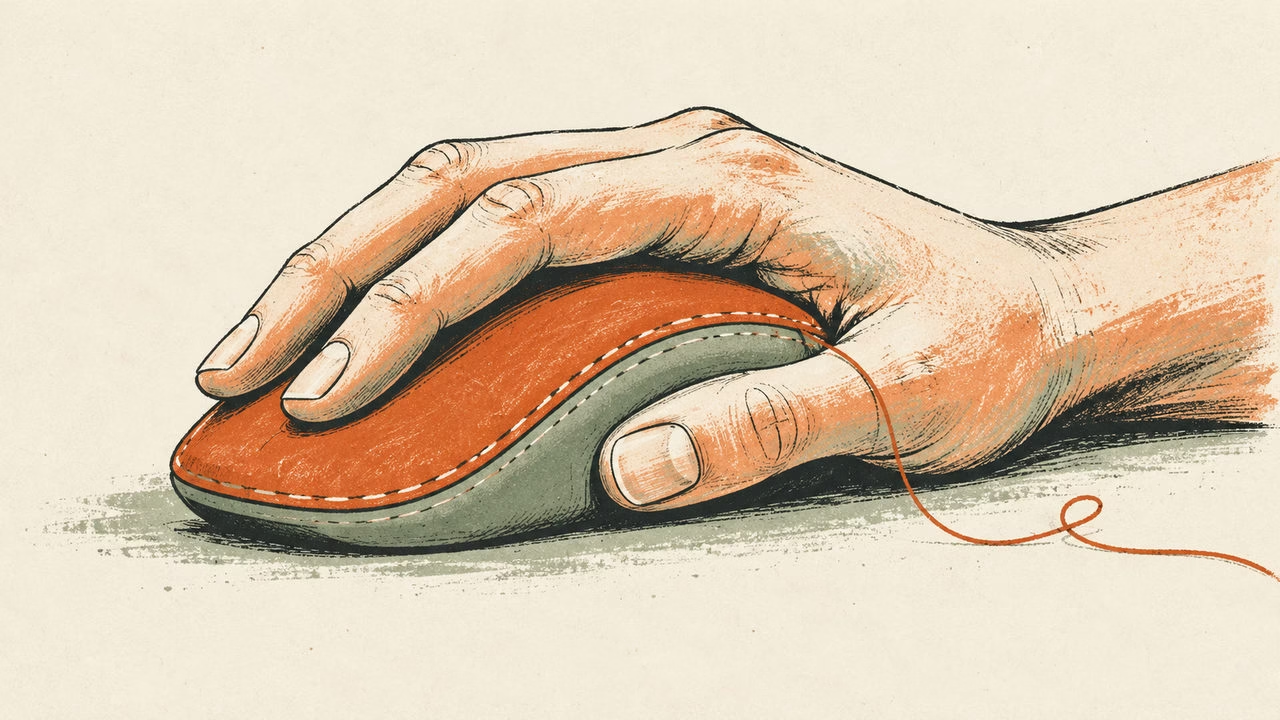
Conceptual illustration: Mais FPS, created with AI.
The mouse looks perfect until you need the farthest thumb button while tracking someone across the screen. Your grip shifts, the crosshair wanders, and the extra command suddenly feels expensive. A featherweight shell can create the opposite problem: wonderful on a spec sheet, awkward if you have to pinch it just to keep control.
Start with the hand and the commands. Weight matters, especially when you make broad, repeated swipes. Extra buttons matter when they put useful actions within comfortable reach. Neither tells you whether a particular mouse will work for your evening of ranked matches followed by a dungeon run.
Give your grip some room
Look at how you hold your current mouse during play, rather than posing your hand for a photograph. Palm, claw and fingertip describe contact patterns; plenty of players use a mixture. ZOWIE’s shape guide connects fuller palm support, clearance beneath a claw grip and room for fingertip movement to different shell shapes.
Use those ideas to make a shortlist, then ask more specific questions. Does the hump push your hand forward? Can your ring finger rest somewhere without dragging? Can you lift and recenter the mouse without squeezing harder? Do the main clicks still feel accessible when your hand relaxes?
Length and width are useful filters, but the widest advertised measurement may sit nowhere near your fingertips. A tall rear hump can change the fit more than a small difference in overall length. Compare side and overhead views, ideally against a mouse you already know. A hand-size chart is a starting point, never a guarantee.
What low weight actually buys you
With less mass, less force is needed for the same acceleration, all else equal. That is a physical advantage, not a promise that your next flick will land. Surface friction, grip, balance and the way you stop the movement still matter.
For a low-sensitivity FPS player who repeatedly lifts the mouse, weight belongs high on the checklist. But shaving off grams is a poor bargain if the new shape makes each lift awkward. A comfortable mouse with reachable controls can be a better match than the lightest option in the shop.
During a comparison, keep your in-game sensitivity and mousepad consistent. Try slow tracking, a broad turn, a small correction and several lifts. Write down what felt difficult. One spectacular aim-trainer run cannot tell you whether the shape works after a normal session.
Count useful commands rather than advertised buttons
An MMO mouse can move abilities, targeting or push-to-talk onto the thumb. The important number is how many controls you can identify and press reliably. Razer, for example, lists 19 programmable buttons on the Naga V2 HyperSpeed. That total illustrates the category; it does not mean every control is a separate thumb button or equally reachable.
Make a command list before browsing. Mark the actions you need while moving, the ones you use occasionally and the ones that can stay on the keyboard. Start with a few clearly differentiated side buttons and add bindings gradually. A grid full of unused shortcuts adds nothing to your rotation.
Test combinations, too. Can you hold a primary click and press a side button without twisting the shell? Can you reach the back row without moving your whole hand? If a critical action needs a deliberate regrip, assign it elsewhere. Simple remapping and multi-action macros are different features; check the game’s rules before using automation.
Accessibility changes the shopping list
Moving commands between hands can help some players. Concentrating them all under one thumb can make another player’s setup harder to use. Consider button spacing, the effort needed to click, accidental presses and whether holding a button is practical. No grip label answers those questions for you.
Microsoft’s Adaptive Mouse documentation shows a different design approach, with a detachable tail and thumb support that can be placed on either side. It is an example of adaptable fit, not an esports performance recommendation. Xbox’s accessibility guidance also highlights remapping as a way to adapt controls to a player’s needs.
Before buying more hardware, inspect the game’s own options for remapping and hold-versus-toggle actions. Check left-handed button access separately from shell symmetry: a symmetrical body can still put its usable side buttons on only one side.
Your pre-purchase match
If you can try a sample, run three small tests: aim while using a side command; lift and recenter repeatedly; then perform your common ability sequence. Include the quiet stuff, such as scrolling an inventory or holding push-to-talk while moving.
If you cannot try it, check dimensions, button placement, software compatibility and the seller’s return conditions. Confirm which settings survive without the configuration app. Those details can matter more than another headline sensor number.
Choose a lighter, simpler mouse when comfortable movement is the limiting factor. Choose more buttons when reachable commands solve a real problem. For a mixed library, choose the fit that stays comfortable and bind only what you need. Your thumb has enough work without being assigned the entire keyboard.
Sources checked on 16 October 2026. This is a researched selection guide, with no claimed hands-on testing or product ranking.