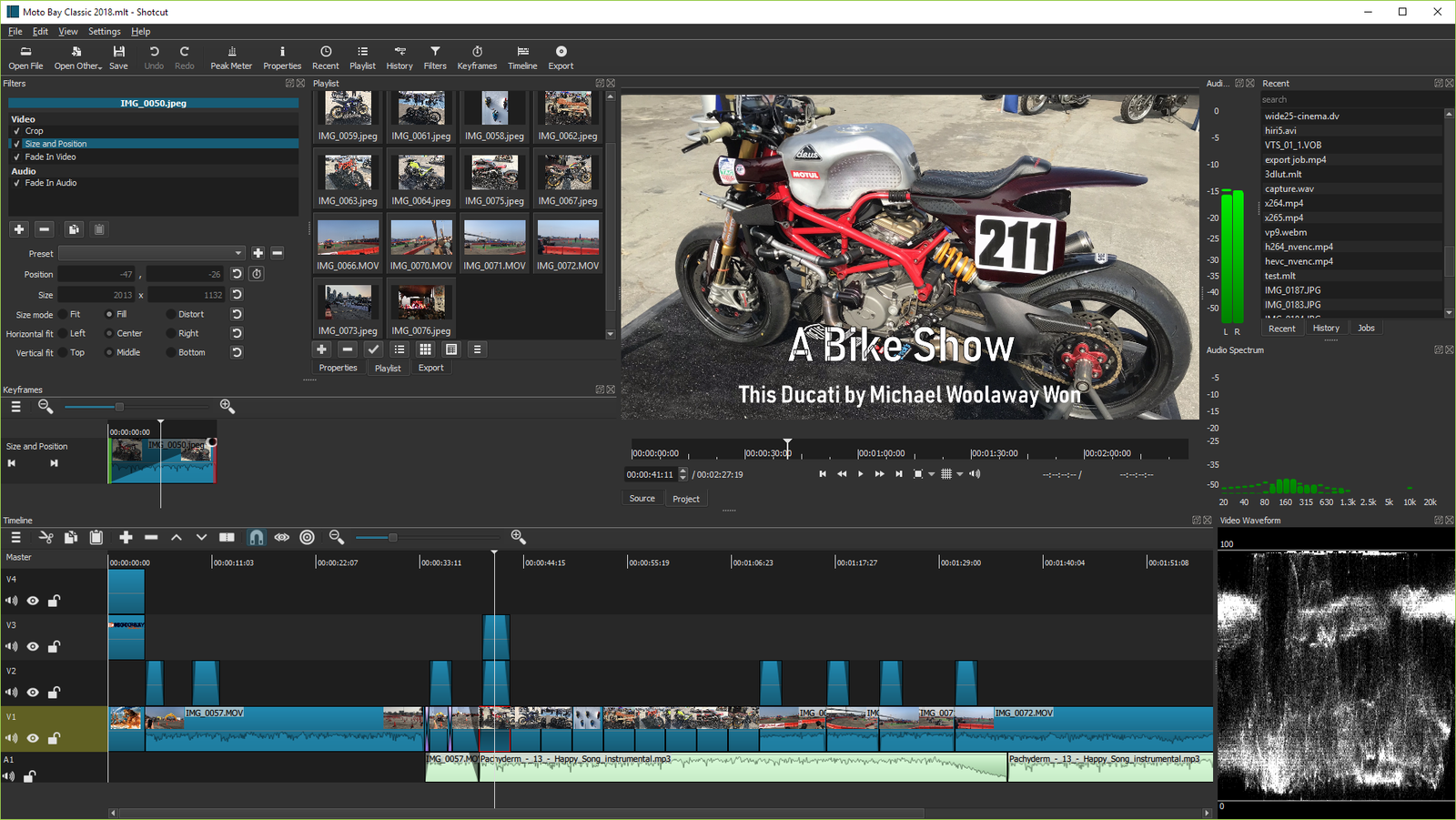
If you already made lightweight copies of footage for Premiere or Resolve, you may not need to transcode it all again to edit the same clips in Shotcut. Version 26.11.15 recognizes the two editors’ proxy naming conventions. The video copy comes along; the cut does not.
The folder, the matching name and an optional suffix
A proxy is a lighter copy of a video that reduces the work of playing back your edit. Shotcut accepts a Proxy or Proxies subfolder, regardless of capitalization. The base name matches the original, the extension can differ, and _Proxy is optional. Example: Interview_01.mov and Proxies/Interview_01_Proxy.mp4.
Enable Settings → Proxy → Use Proxy and start from the source clips. The official guide shows where to check for (PROXY) beside the resolution in Properties. Try one or two clips and check picture and sound before moving an entire shoot.
This is not timeline migration
Edits, transitions and effects in Premiere and Resolve projects do not come along. Keep your source files: Shotcut normally uses the original or optimized media at export. The advanced preview-scaling option can use proxies for a faster draft, so check it before delivering a master.
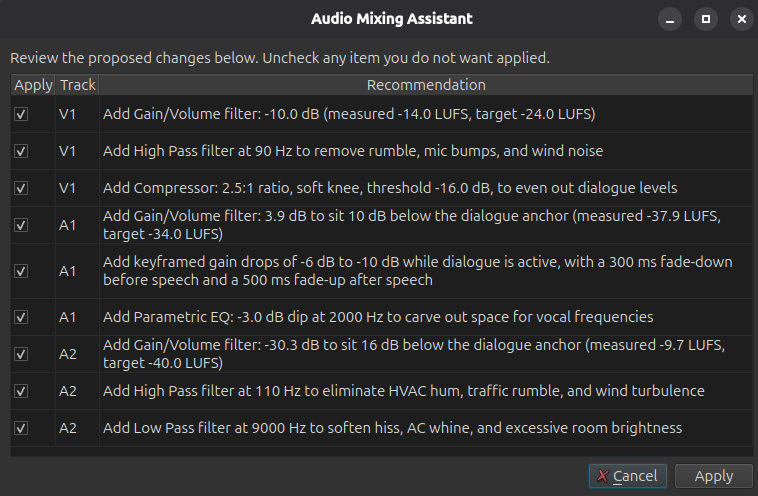
The same update also adds an Audio Mixing Assistant, available under Timeline → Edit. That is a separate feature and has no role in matching proxy files.
Shotcut tutorial: how proxies improve preview performance. The video covers proxies in general, not the new filename matching.