The open-source editor adds noise to shadows and glows and an editable Outer Glow gradient. Here is what to check before handing a PSD to someone else.
You deliver a poster as a PSD. The next day, somebody asks to change 7 p.m. to 8 p.m. If the file is flattened or the glow has to be rebuilt, it opened, but the work did not survive the handoff. That is why the Patchy update is interesting.
What changed in 1.41
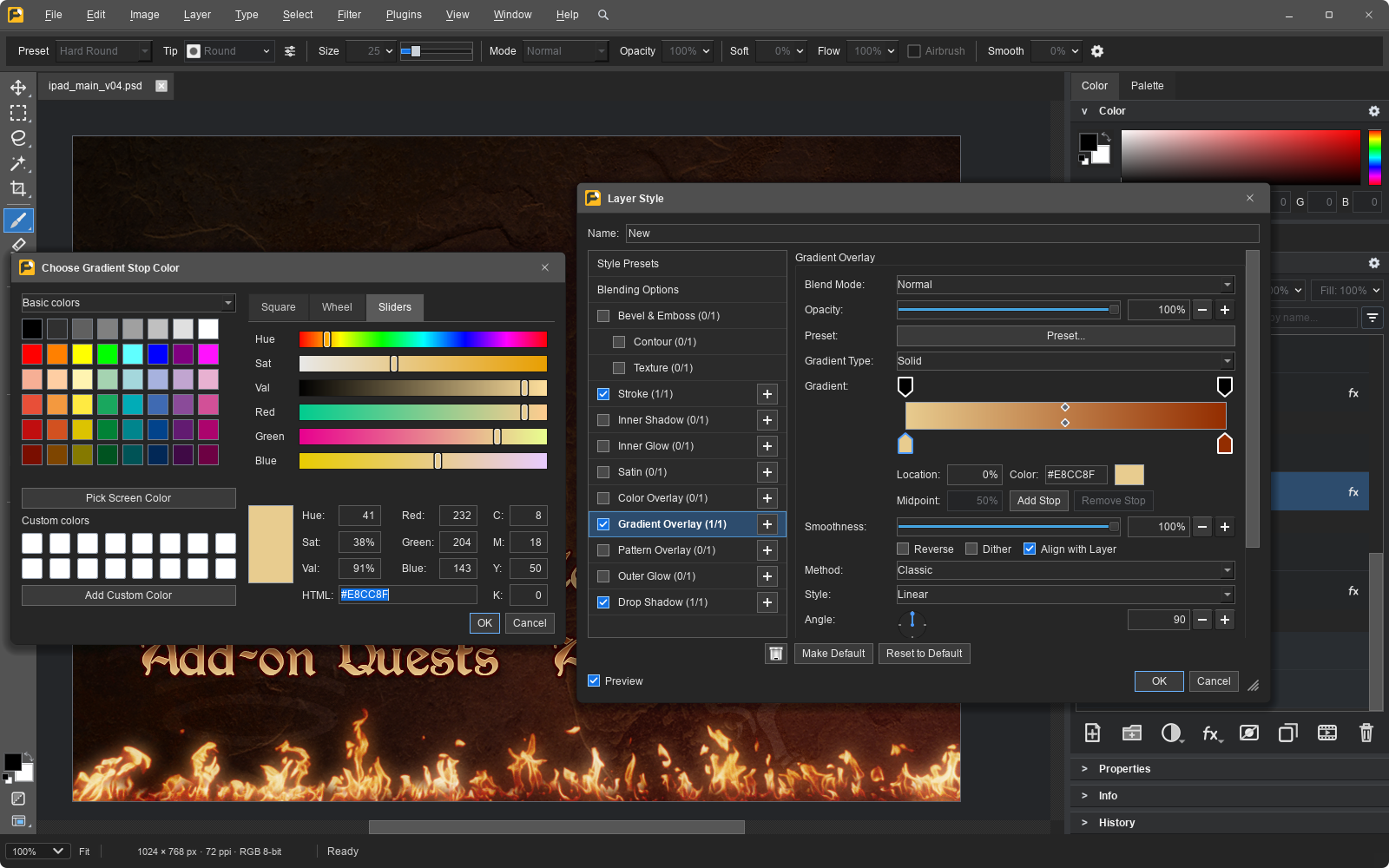
Patchy 1.41, released November 22, adds noise to shadows and glows and lets you fill Outer Glow with an editable gradient. The glow no longer has to be a single flat color: you can change the transition later without painting the effect into the pixels. The release notes say PSD files retain these settings. That is a claim from the project, not an independent Photoshop test.

How to check without risking real work
Make a simple poster with editable type, a mask and a gradient Outer Glow. Save a PSD copy, close it and reopen it. Change the time, check that the mask is still separate and see whether the gradient controls still work. If the recipient uses Photoshop, repeat the check there. A file can look the same on screen without offering the same editing controls.
Where to try it
Patchy offers desktop builds for Windows, macOS and Linux, plus a browser version with different capabilities. Check that you are running 1.41 before looking for the new controls. Before sending a client or print job, repeat the test on a copy with the features that job actually needs.
The official video introduces the editor in an earlier version.