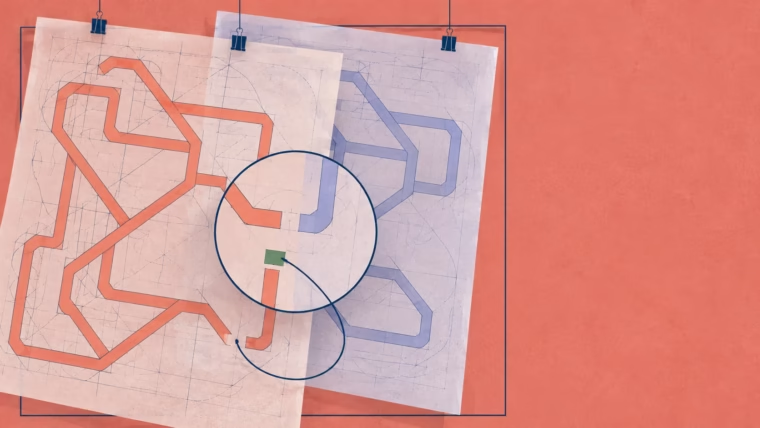

Fieldwork: 26 January–24 March 2026. Gallup [1].
The first cut arrives early
Imagine a small team making a product video. An assistant helps draft the voice-over, a captioning tool takes a first pass, and an AI-suggested script prepares filenames for export. The first cut is ready early. Someone looks at the calendar: perhaps there's room for another video.
Perhaps there is. But the team still has to catch a mangled product name, check a specification and watch the exported file. Before that second video earns a place in the schedule, somebody needs to work out how much time the first one really saved.
Among 7,845 surveyed U.S. employees who used workplace AI at least a few times the past year, 63% reported faster work; 31% said AI use brought employer requests for more responsibilities, or 37% among those reporting speed gains. These self-reports establish neither hours saved nor causation. [1]
AI saved two hours. The calendar had already spent three.
Editorial highlight · Mais FPS editorial hyperbole; the hours are fictional.
Keep the stopwatch running
For our imaginary video team, the clock starts with the same brief and stops when the delivery is approved. Preparation, checks and revisions all count. Stopping at the first draft is like ending a benchmark at the loading screen.
Try the same approach with other PC tasks. Test an AI-generated spreadsheet formula on the awkward rows, and count that time. Before running a batch-renaming command on the originals, include the time spent reading it and testing it on copies. If an assistant helps with render settings, allow for watching the export. Faster preparation is useful even when the rest of the job takes as long as ever.
Quality needs a place in the reckoning, too. A rough cut and a release-ready video belong in different columns. Otherwise, the apparent saving may be work handed to the next person.
The gap in the calendar
Suppose the saving survives those checks. Another delivery might be just the thing, especially with a launch approaching. So might fixing a neglected template, trying a more ambitious edit or keeping some room for an unexpected revision.
Whoever promises the delivery date and whoever does the work should settle this before agreeing to more. Be specific: the next free slot goes to the second video, or to rebuilding the caption template. If both need doing, decide which comes first.
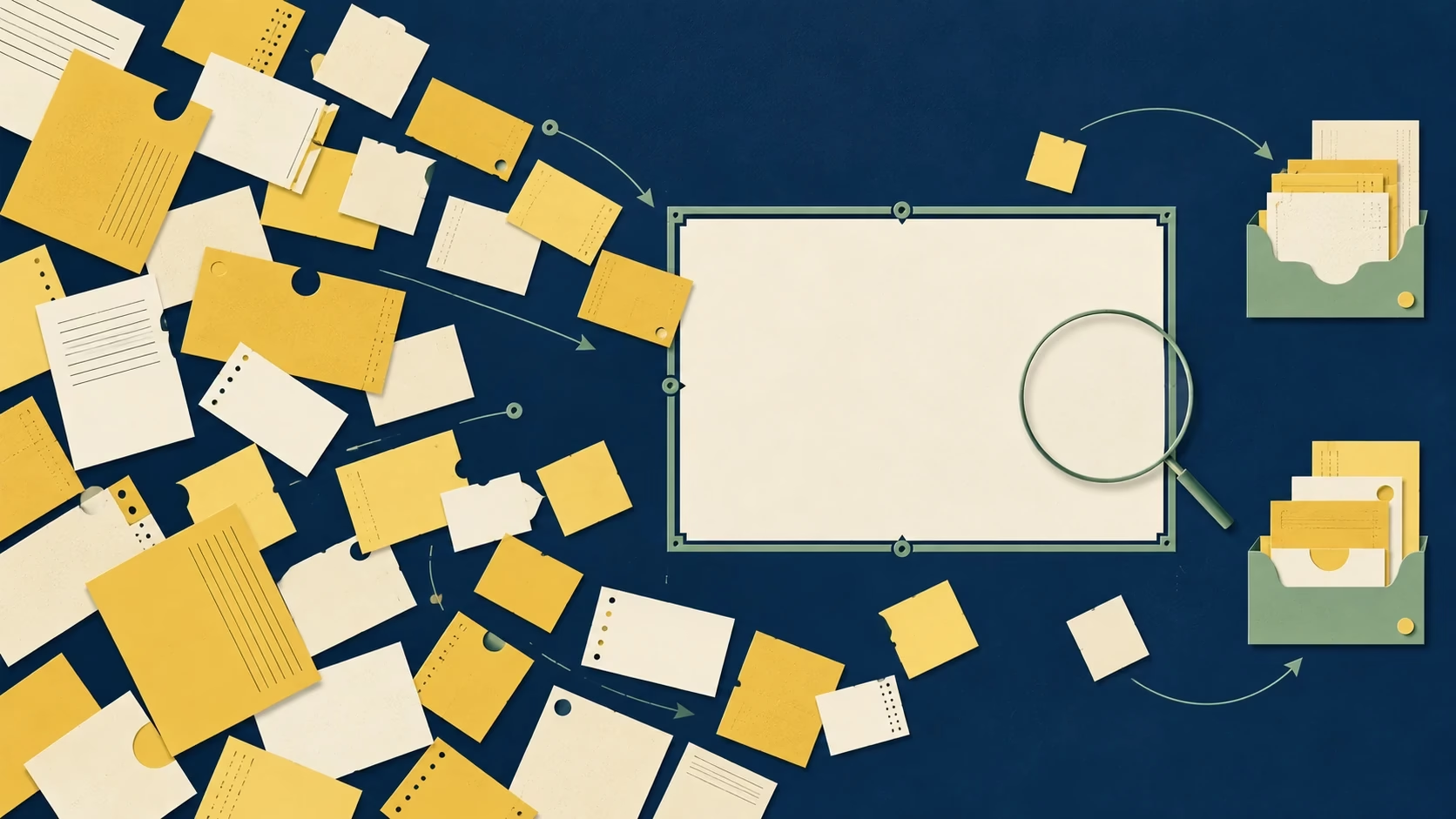
Working alone doesn't spare you the decision. Write the chosen use in the project notes and reserve the time. An empty rectangle on the calendar is a tempting place to make another promise.
Put ordinary work to the test
Try keeping a log through a short, representative stretch of work. Record the brief, where AI helped, the time through final approval and the corrections needed. Give a troublesome job a place alongside the easy ones. The cleanest demo is a shaky basis for planning the whole week.
Compare like with like. More languages, a longer video or an extra approval round can change the job; note those differences before comparing totals. Set a date to review the log. The aim is an estimate you can schedule around, without turning every mouse click into paperwork.
Leave room to revise
When the work changes, revisit the promise. A familiar captioning routine and an unfamiliar coding task need separate estimates. If review uses up the expected saving, adjust the next commitment. If the gain holds, decide where it will do the most good: another delivery, better work or some breathing room.
AI can help clear part of the day. Before the calendar fills again, decide what that time is for.
Sources and methodology
Got a different take? I’d love to hear it. hello@maisfps.com