
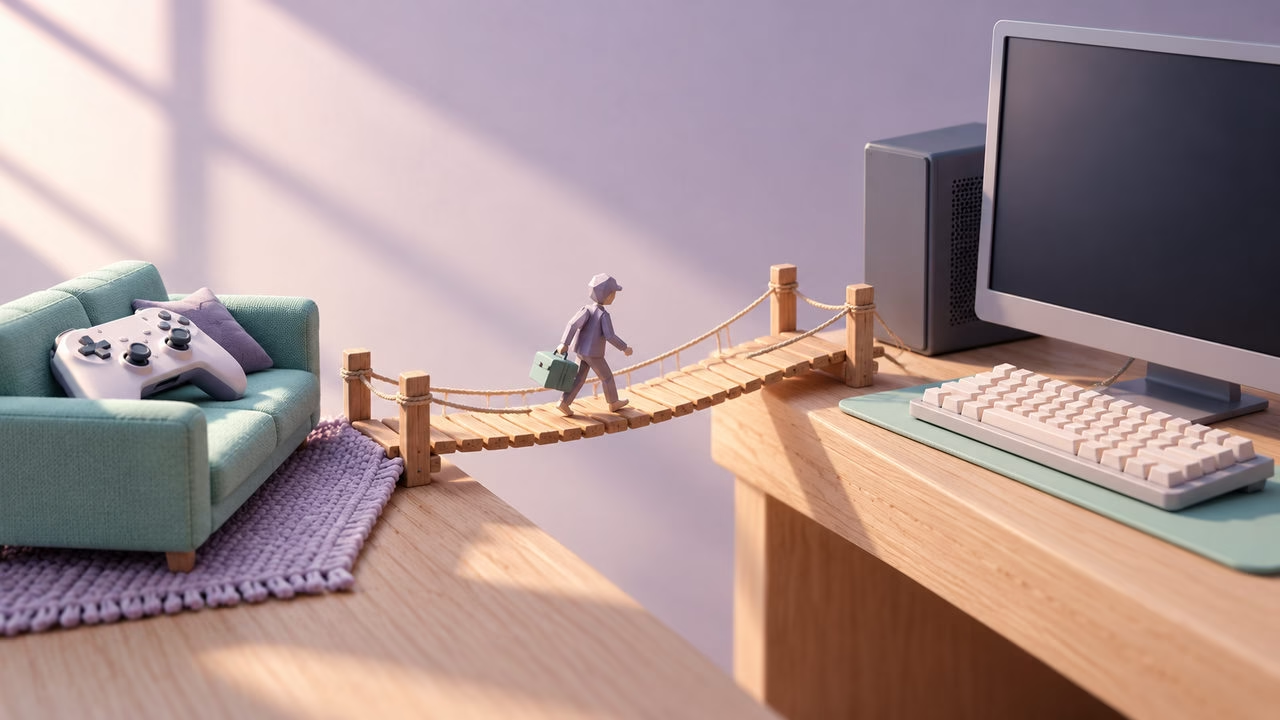
Conceptual illustration: Mais FPS, created with AI.
The tempting version of moving from console to PC is a shopping list with a graphics card at the top. The useful version starts with your Friday night. Which game are you opening, who is joining you, where are you sitting, and what exactly feels limiting today?
A PC can give you more control over the experience. That freedom is worth paying for when you will use it. It is less convincing when the sales pitch depends on becoming a completely different player after checkout. Before retiring a console that already serves you well, put the transition through these five checks.
1. Name the improvement you actually want
“Better graphics” is too slippery to build a budget around. Try something you can judge: more responsive aiming in your usual shooter, sharper image quality on your TV, access to a particular PC game, or more room to choose visual settings.
Make a short list of the five games that matter most. For each, write the resolution, visual compromises and responsiveness you would be happy with. Then look for measurements of the proposed PC in those games at comparable settings. A spectacular result in somebody else’s favorite game does not answer your question.
If you already have access to a suitable PC, try the experience before buying a replacement setup. You may discover that mouse aiming is the attraction, that a particular game is enough, or that your console was doing everything you wanted.
2. Price the library, not just the hardware
Owning a game on console does not automatically give you its PC edition. Xbox Play Anywhere is a valuable, specific exception: eligible digital purchases through the Xbox or Windows Store include supported PC access, with progress, add-ons and achievements carried across. Check the badge on the actual game. It does not apply to Xbox discs or automatically grant a Steam copy.
PlayStation’s PC games FAQ says its PlayStation Studios console and PC versions are separate products requiring separate purchases. That cost belongs in your migration budget, even if you wait for a sale. “I already own it” is emotionally understandable; the store license may still disagree.
For each essential game, record whether a PC version exists, which storefront you would use, whether you already have access and what you would need to buy again. Include expansions you genuinely intend to keep playing. Ignore the enormous backlog you only remember when defending a purchase.
Subscriptions deserve their own line. PC Game Pass provides access to its current PC library subject to subscription and availability; it is not a permanent transfer of your console collection. Check the current plan, catalogue and regional price rather than assuming your existing subscription covers everything.
3. Protect the hours you have already played
Ownership, cross-play and cross-progression answer different questions: can you launch it, can you play with those friends, and can you continue your existing progress? Check all three on the publisher’s current support page for the exact game and platforms.
Xbox Play Anywhere explicitly covers shared progress for participating games. Sony’s current general FAQ says PS4/PS5 saves cannot transfer to the PC versions of PlayStation Studios titles or vice versa. Treat that as the stated scope, not a blanket rule for every third-party game sold on PlayStation. Verify any game-specific exception with its publisher before relying on it.
Do not sell the old console on the strength of a familiar account login. First confirm that the important save, expansion and multiplayer connection actually work on PC. Keeping both machines for a transition period can be practical if your budget allows it.
4. Keep the controls and the seat you like
Moving to PC does not require a mouse-only identity change. Check controller support game by game. Sony documents wired DualSense support for its PC titles, with wireless support and special features varying by game. A controller connecting successfully is not proof that every feature works identically.
The sofa is still an option. Valve describes Steam Big Picture as a TV-and-controller interface. It can make browsing your Steam library comfortable from the couch. It does not guarantee that every game, launcher or Windows dialog can be handled without a keyboard or mouse.
Try the unglamorous parts too: launching a game, joining friends, switching audio output and recovering when a window steals focus. If those interruptions bother you, convenience has real value. If you enjoy configuring the setup once and making it yours, that flexibility has value too.
5. Buy the complete experience you can afford
Count the computer, any necessary display or connection upgrade, storage, operating-system license if not included, input devices and games you need to repurchase. Reuse equipment that genuinely fits the plan. Leave room for the boring essentials instead of spending the entire budget on the most exciting component.
A PC makes a stronger case for someone with specific PC games in mind, a clear performance goal, or useful non-gaming work it will actually do. Staying on console makes sense when your games, friends, comfort and budget already line up. A modest PC alongside the console can also be the right answer if its capabilities match the games you want.
You do not need to win a platform argument. You need the next purchase to improve the evenings you already enjoy.